Unknown Territory (NI LabVIEW Training)
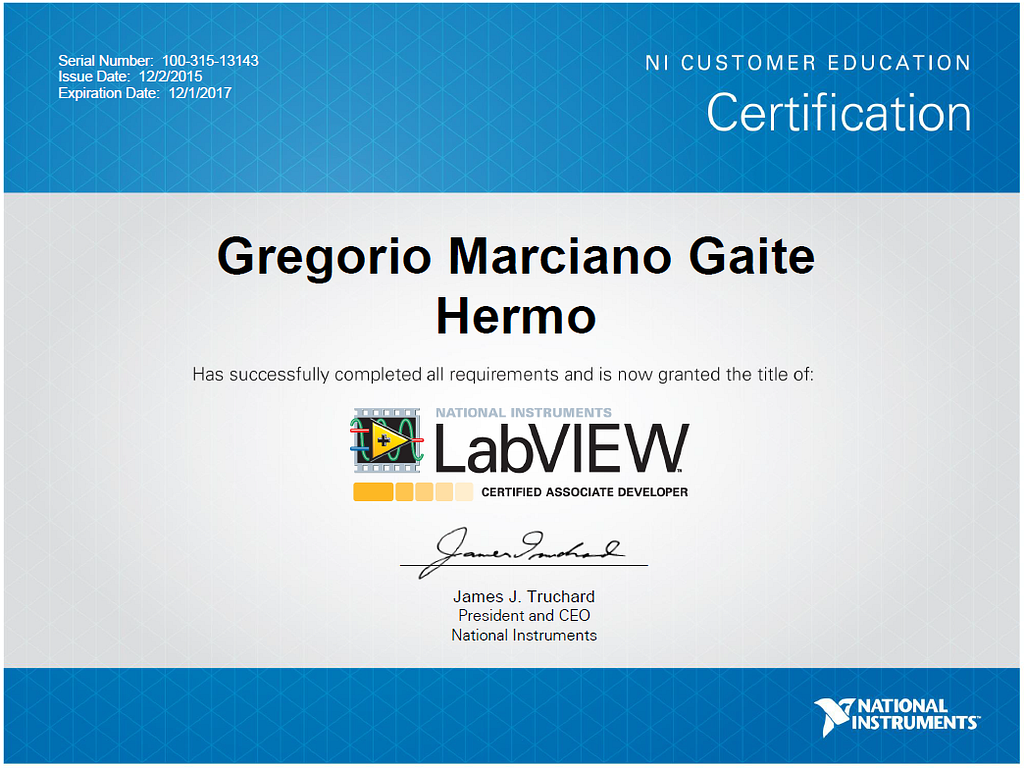
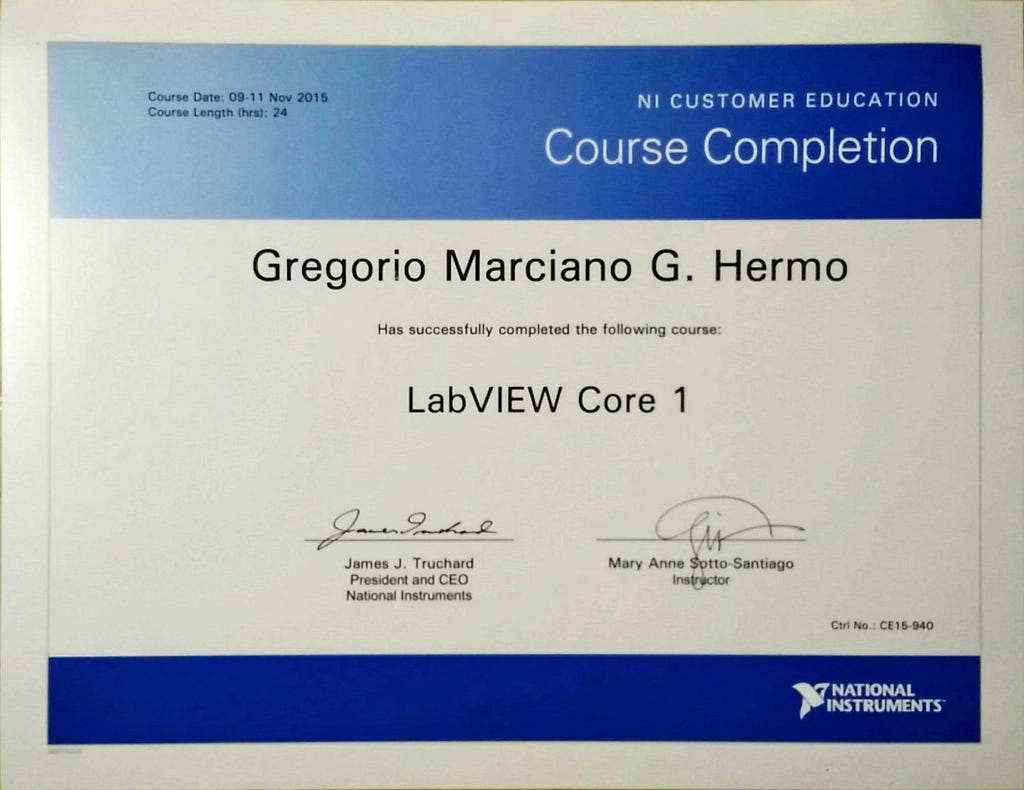
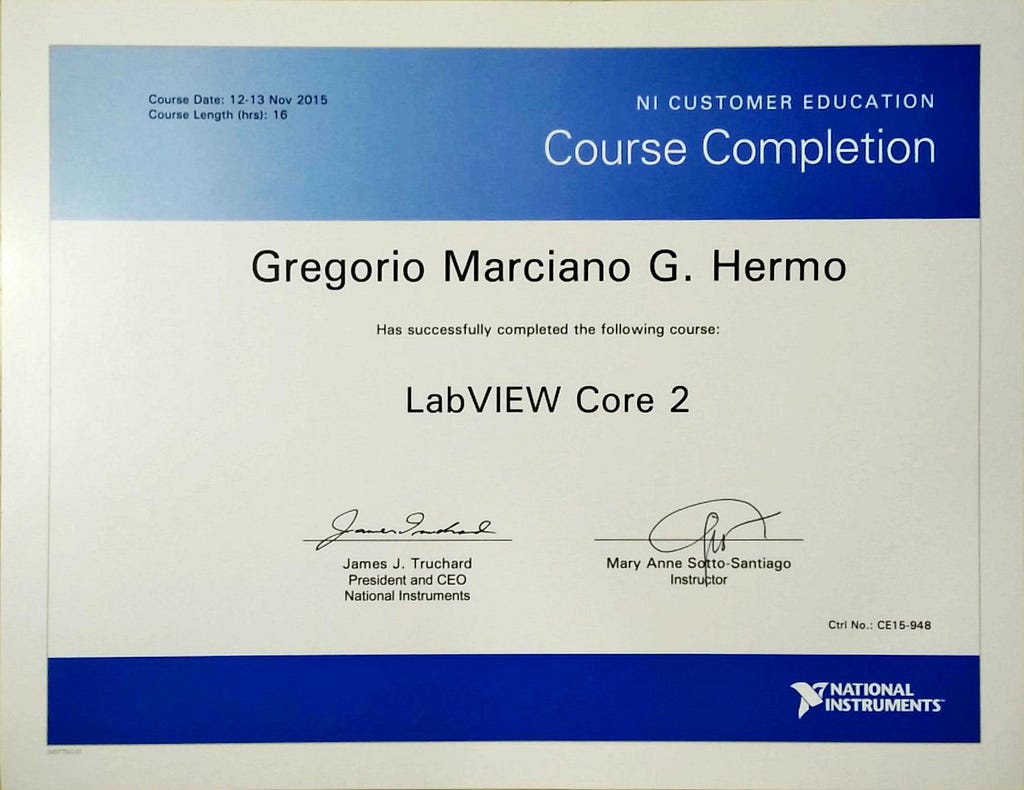
Last Nov 9–13, I took up Core 1 and Core 2 of LabVIEW offered by National Instruments held at Crimson Hotel, Alabang. There two are the basic courses of LabVIEW. These are also the training courses recommended to take before undergoing the certification for CLAD (Certified LabVIEW Associate Developer)
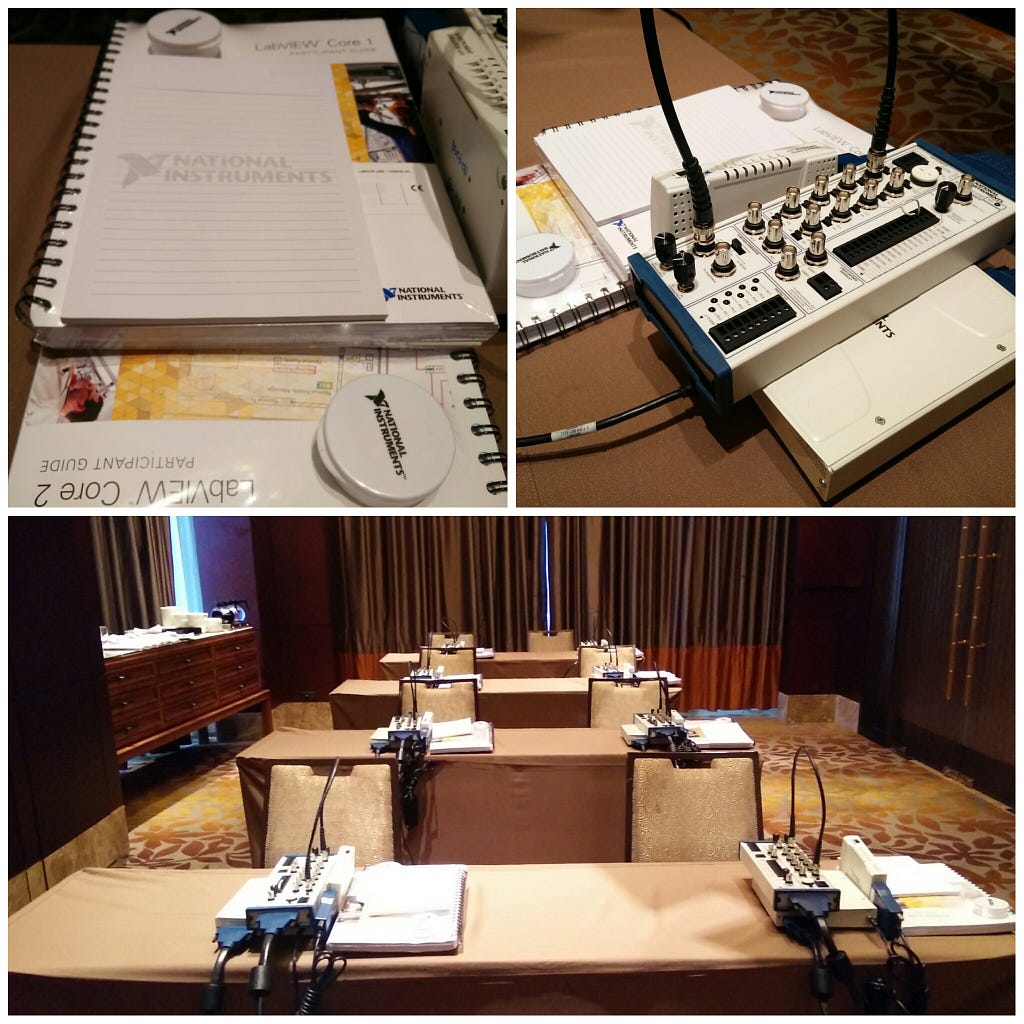
Classroom — PDR 1&2 Crimson Hotel, Filinvest Alabang
The training style is very familiar to me. Every participant has their own machine and manuals. The manual was specially helpful as it contained all the lectures and laboratory instructions.
At first I felt out of my comfort zone, seeing the Data Acquisition tools and the simulator. It was clearly for someone who’s has an EE or ECE background. Most of my classmates we’re from SEMICON companies. One bunch was from Cebu and they’ll be using NI products for a mining company. It was relatively a large class, we we’re eight in total.
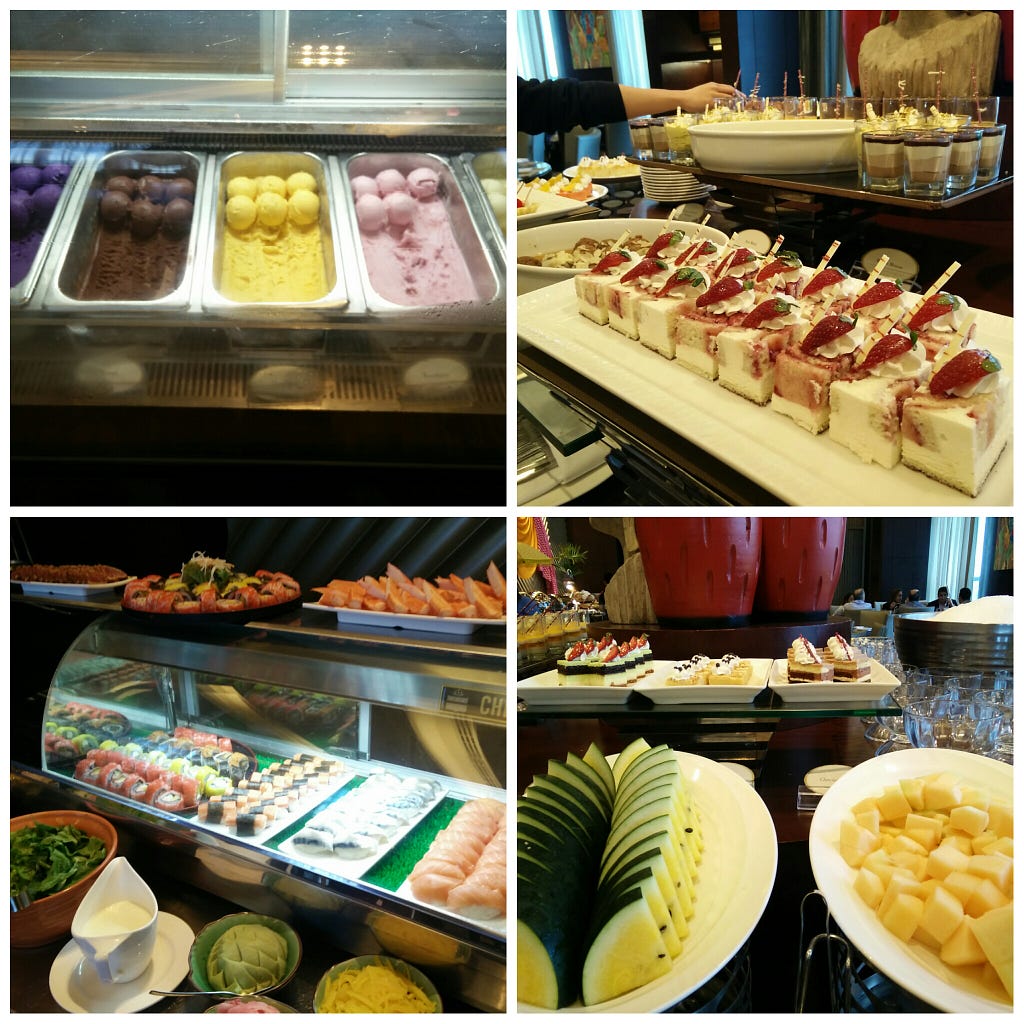
I specially enjoyed the buffet lunch. The food was great and desserts were plentiful. The home-made ice cream made it extra special and to seal it off, freshly brewed Italian coffee was served. :)
Throughout the 5-day training, I stayed at the Entrata Condominium which was in the same building as the hotel. I had a great stay and was able to get a lot of work done, thanks to the very fast WIFI at the lobby of Crimson Hotel.
LabVIEW
LabVIEW is a software that is used to create programs using a Graphical User Interface. It’s a drag n’ drop environment where things such as an integer data input, a string output or even a for-loop code is represented in icons connected by wires. I think the goal mainly is to simplify programming so that engineers can focus on the work that needs to be done through the code instead of coding.
Core 1
Core 1 talks about basics of programming including navigating in LabVIEW. Topics such as data types/structures, loops, basic debugging and a simple state machine programming was discussed here. Coming from a programming background, I already had a good grasp of these things but I enjoyed the experience of creating a program using icons and wires.
We also encountered spaghetti code here but it seemed more realistic in LabVIEW than in text-based programming as the nodes and wires in LabVIEW literally resemble spaghetti. :D
Core 2
Core 2 discussed further other design patterns when programming in LabVIEW. Some of which are simple and functional global variable design pattern. We also discussed the use of Variables, Queues and File I/O. Furthermore, we had exercises on refactoring existing codes which was a common scenario in the world of LabVIEW.
One of the things I like about LabVIEW is the completeness of it for it’s intended purpose. At the end of the course we we’re able to generate executable programs even build an installer for packaging and distributing the program.
Acknowledgement
Thank you Ideaspace PH for sponsoring the training to help us further our skills. Next step, I’ll be taking the certification exam this Nov 24. Please pray that I’ll be able to prepare well and do my best. :)
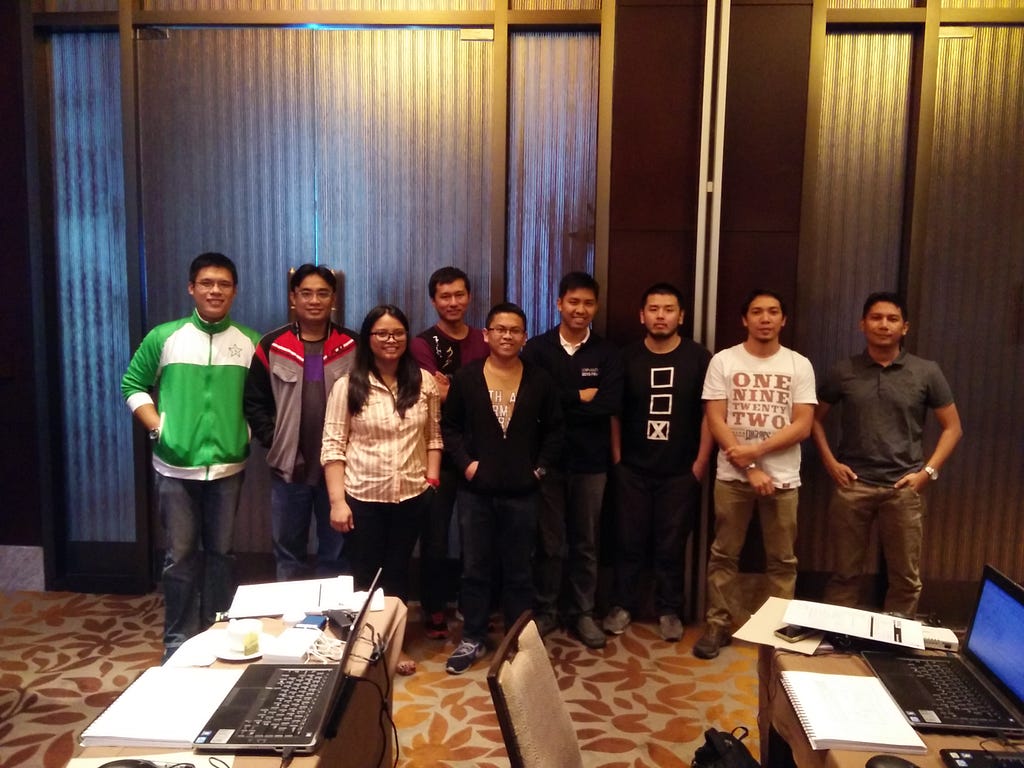
NI LabVIEW Training Core 1&2 — Nov 9–13 @ Crimson Hotel, Alabang
UPDATE (Dec 2, 2015)
Nov 24, 2015 — I took a chance and thanks be to God I succeeded. Part of the bundle Ideaspace sponsored is the certification exam to become an associate developer. The exam was electronic but I needed to take it in their office at Alabang. The result was instantaneous — after you hit the submit button, lo and behold, whatever the result is , it will be displayed in your screen.
With this, Vinteo is now an NI Alliance Parnter :)